
Twitter Fonts Copy and Paste
Do you want to make your Twitter profile professional by creating eye-catching display names as well as tweets and replies? Sometimes, many Twitter users’ profiles look boring and do not attract people due to traditional text styles.
The Twitter X Font Generator copy and paste proves very useful in enhancing your normal text by using bold, italic, gothic, and many other font styles. It highlights your Twitter bios, tweet content, display name, or replies that quickly grab viewers’ attention.
What Is a Twitter X Font Generator?
The Twitter font generator copy and paste is a powerful online tool that converts your ordinary text into stylish and eye-catching text. The primary purpose of using these elegant fonts is to enhance your personal identity and physical or online branding. It gives a unique and aesthetic appearance to your Twitter (X) account and any other social media platforms, such as Facebook, Instagram, LinkedIn, and more.
| Point | Normal Text | Styled Text |
|---|---|---|
| Look | Plain | Bold, slanted, or fancy |
| Made with | Normal letters | Unicode characters |
| Good for | Long posts and links | Names, bios, short lines |
| Cost | Free | Free |
How to Use the Twitter X Font Generator?
The Twitter font generator is very simple and easy to use; you can generate fancy text by following the given step-by-step instructions in just a few seconds with no restrictions.
- Click on the copy button and paste it freely on Twitter or any other social media platform.
- First of all, visit the Twitter font changer that converts your text into Twitter X fonts.
- Type your English text, such as a username, bio, or any other sentence, in the text box.
A number of fonts are shown on screen; pick the stylish one that you like the most.
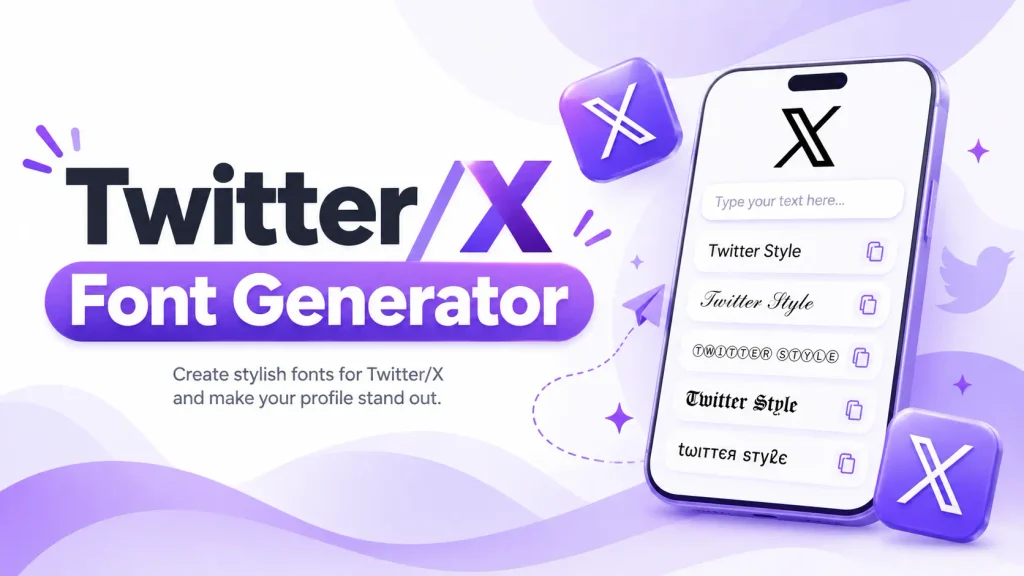
Popular Twitter X Font Styles
The Twitter font copy and paste creates more aesthetic text with fancy fonts and unique letters to make your Twitter display name, tweet formatting, and replies stand out professionally.
Bold Twitter X Fonts
The Twitter bold font makes your ordinary text look thicker and more noticeable, which is great for highlighting your name and important messages.
Italic Twitter X Fonts
The Italic font makes your regular text more creative and slanted in appearance and is mostly used in quotes, messages, and short thoughts.
Cursive Twitter X Fonts
The Twitter X cursive font gives a look similar to handwritten writing, and it is popular among users who want to create an elegant and personal style.
Gothic Twitter X Fonts
Gothic text fonts give a bold, dark, and attractive style, which is often used in designing dramatic profiles, gaming, and alternative fashion.
Fancy Twitter X Fonts
Fancy fonts include special symbols, unique letters, and other creative text styles that make your writing styles stand out from traditional looks.
Unicode Twitter X Fonts
These cool fonts are Unicode-based characters, which make your normal text more elegant and professional and display correctly on devices such as a computer or smartphone.
Where Can You Use Twitter Fonts?
Copy-and-paste Twitter fonts work correctly on almost all social forums, such as Instagram bios, Twitter tweets or replies, and online communities.
X Bios
The Twitter/X bio fonts are especially used in bio fields to highlight your branding and personal interest.
Tweets and Posts
You can use the stylish text font when formatting your tweets, announcements, short phrases, and posts.
Display Names
By using bold and cursive fonts, you can make your Twitter display name more professional and engage people to stop scrolling.
Replies and Comments
You can also use this cool, stylish text in replies and comments, such as making a short compliment or greeting.
Profile Descriptions
The free X fonts prove very useful in enhancing your Twitter profile description, personal identity, hobbies, or branding content.
How to Make Stylish Text for Twitter X
Use the generator above. Type your line, copy the style, and paste it on X. That is all. With Twitter fonts, you can quickly turn your text into bold, cursive, fancy, or other stylish Unicode styles. You can also copy single letters from a Unicode chart and join them yourself. This is fine for one letter or one short word. For a full bio, it takes too long. A Twitter text generator is much faster.
Tips for Choosing Twitter X Fonts
Here, we give some important tips and tricks that are helpful in selecting stylish text according to your branding.
Keep Your Text Readable
Always keep your text readable by using simple styles for longer messages and hearty fonts for short phrases or display names.
Match the Font With Your Profile
Try to choose a font copy and paste that matches your profile appearance, branding material, and type of creative content.
H3: Check Your Text on Mobile
Check your stylish text fonts on your mobile phone, as sometimes Unicode characters look different on Android or desktop devices.
H3: Avoid Using Too Many Styles
Choose only one or two styles and use them consistently instead of using too many fonts at one time, as it looks messy
Twitter X Fonts FAQs
You do not need to download an app or font styles; just enter your text, select styles, or copy and paste it from an online font generator.